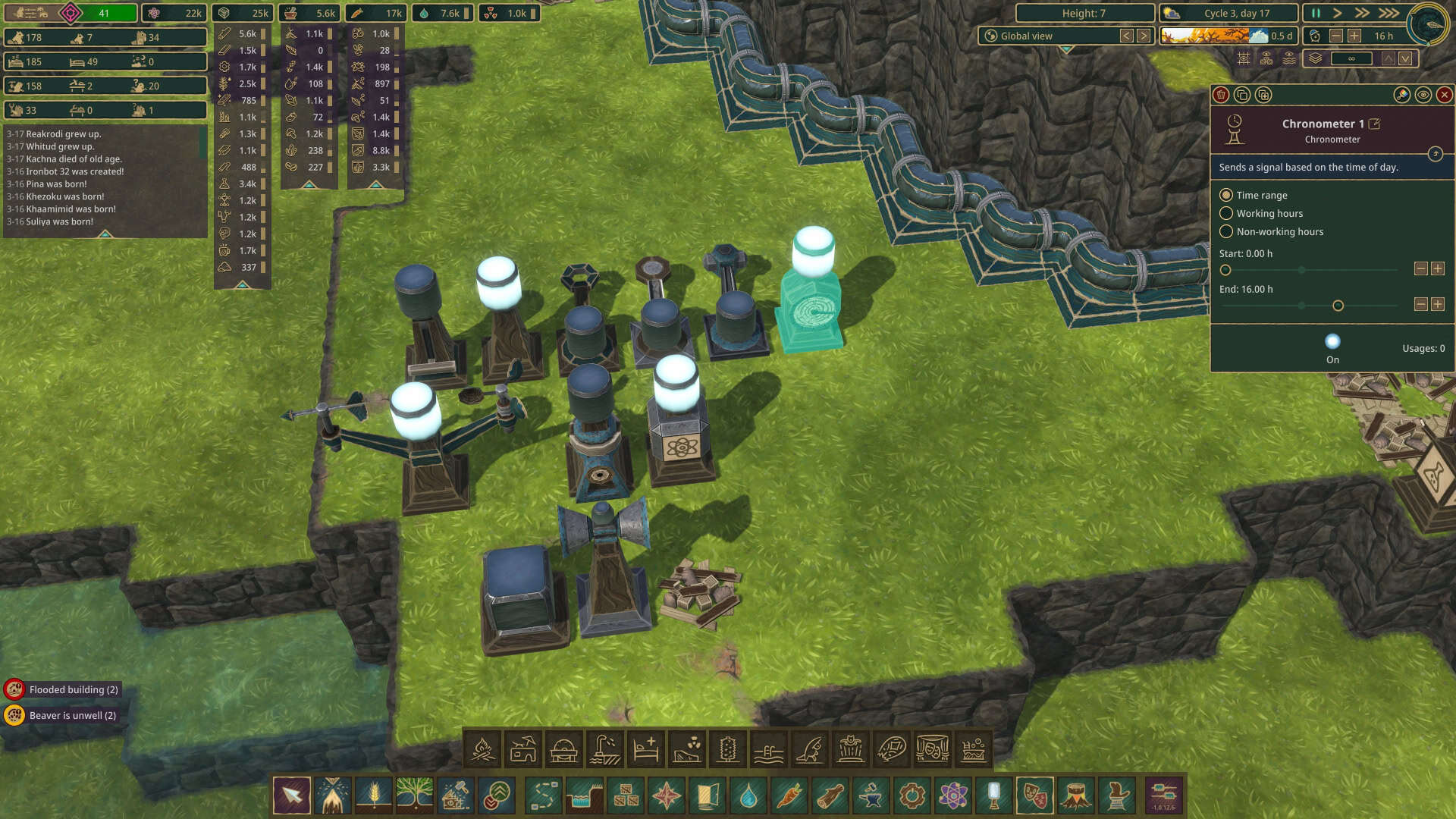
Automation is an incredibly powerful tool in Timberborn, giving you the power to link up numerous unconnected facilities or respond automatically to changes in weather, water level, resources, population, and more. The possibilities can be daunting, but this guide should at least help you understand how these devices interact and how they can be useful for your beaver colonies.
Automation Needs
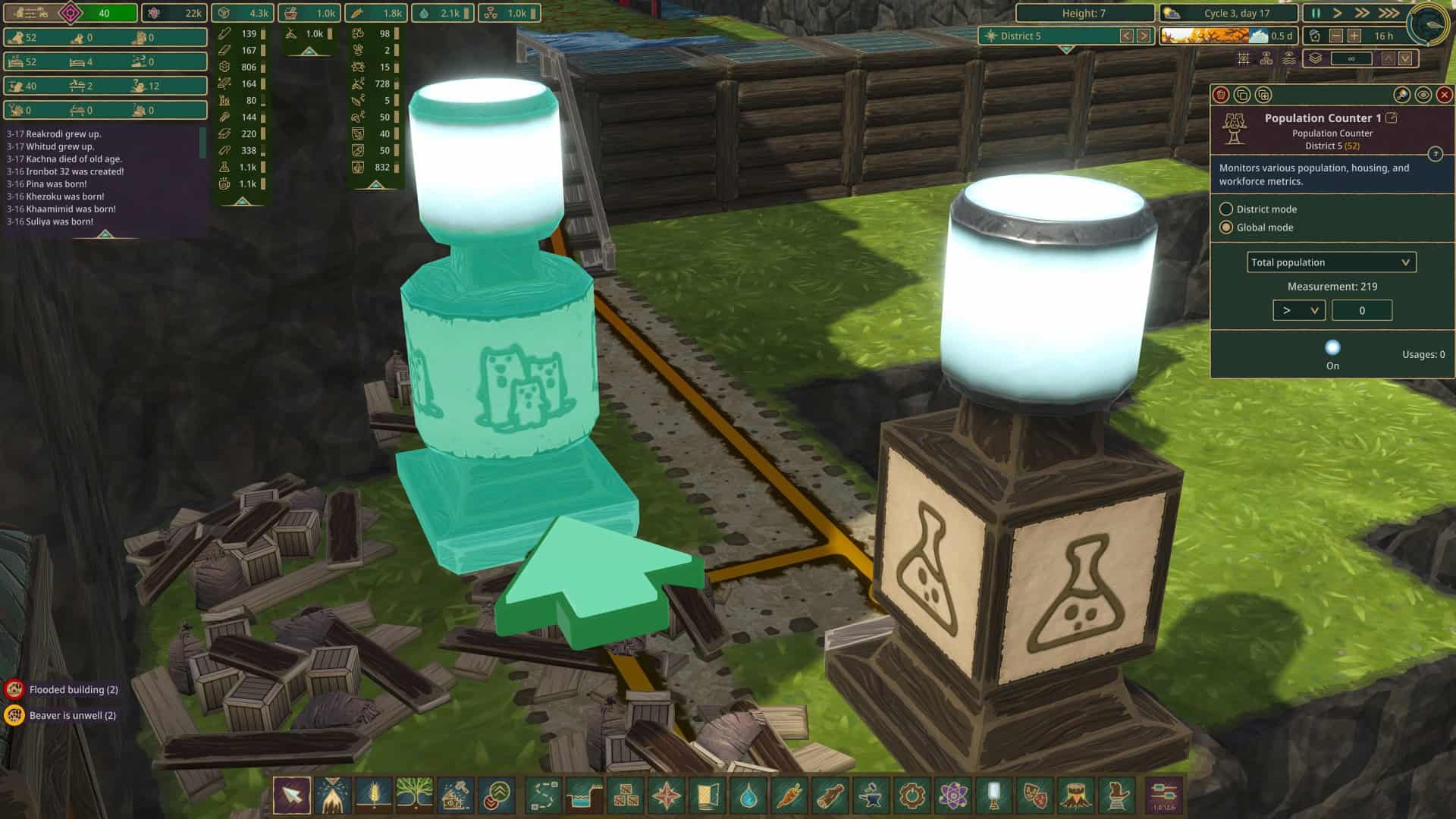
To begin automating buildings in Timberborn, you need two things: the building to automate, and an input that sends an on or off signal to that building. The building can be a workplace, it can be a floodgate or valve, it can be multiple buildings at once, or it can be another tool in the automation category. The input can be a lever, a sensor, a timer, or even a combination of inputs.
The first thing to know about Automation is that each automated building only has two states: on and off. For most objects, this is simply the option to be running or paused. For floodgates and valves, which, for example, can be open to multiple levels, this means it can be set to switch between only two of its possible states. For example, a three-level floodgate could be set to switch between its highest point and middle point via automation, but could not be set to switch to its lowest. The other important detail is that each building can only accept input from a single source, meaning that to, for example, set a floodgate or valve to close when there is a Drought but to open if the downstream water level closes, you need to use a relay to take two inputs, interpret them, and send a new signal to the automated device.
Automation Tools
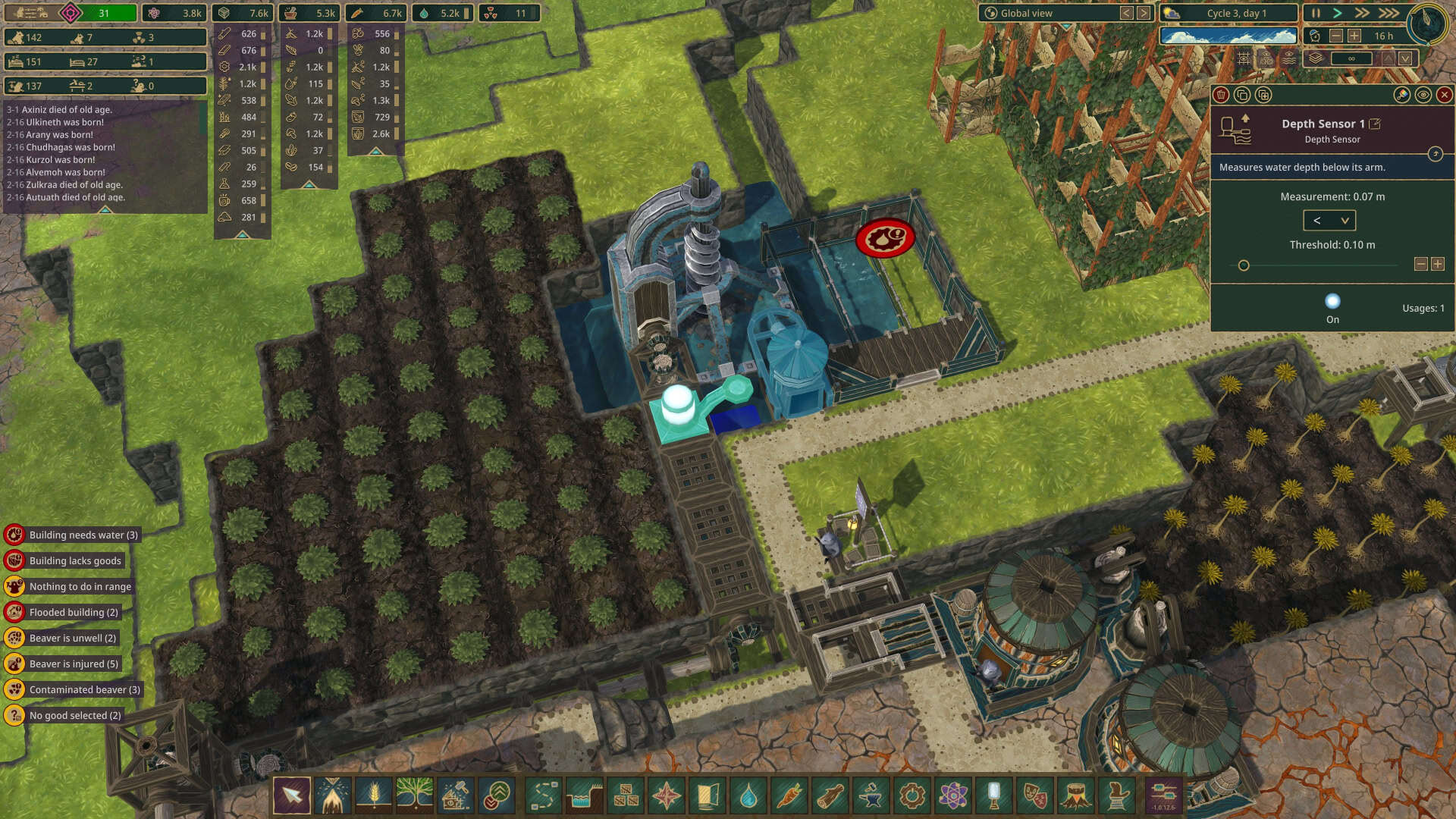
Automation tools primarily measure a value in your beaver colony, such as the depth of water below a sensor or the amount of a resource in a given district. These include the depth sensor, flow sensor, contamination sensor, weather station, chronometer, and the resource, population, science, and power trackers. You can set specific criteria – if water depth goes below 0.5 meters, for example – and the tools will send a signal when the criteria are met. The lever does not measure anything, but it can also send a sustained signal or a signal for just a brief moment.
Relays, timers, and memories are where automation gets powerful and also complex. For example, relays have five settings. Pass through takes an input signal and sends it along without change, while NOT outputs a signal only if its input is off, AND takes two inputs and sends an outputs a signal only if both of those inputs are on, OR takes two inputs and outputs a signal if either of them are on, while XOR takes two inputs and outputs a signal if only one of its inputs is on. Timer devices activate at a certain input and can send a signal with a delay, send a signal for a period of time, or pulse on and off for a period of time. Memory devices have multiple options, but all of them hold a state after a triggering input and release that state when triggered by a reset condition.
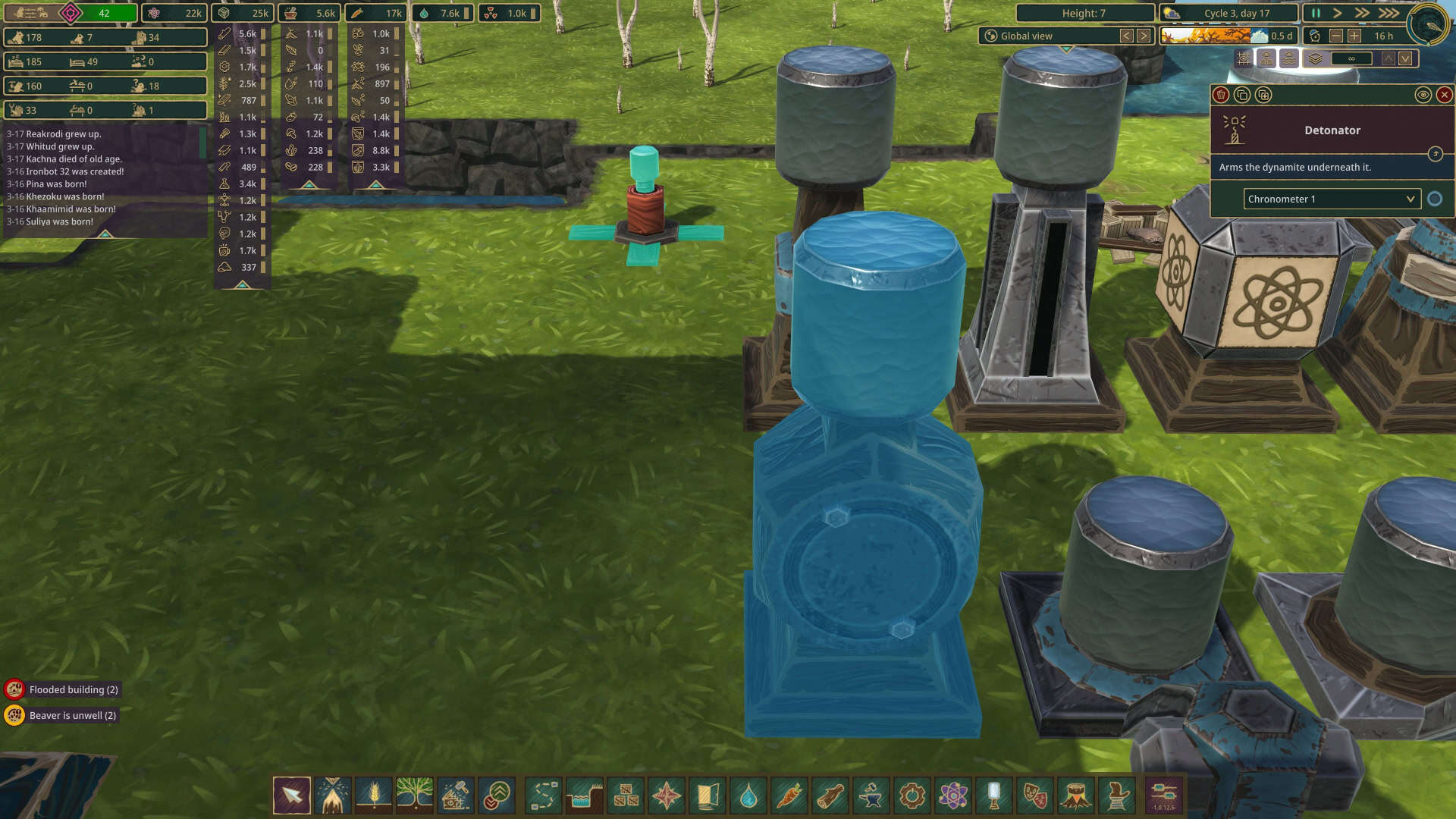
The last type of automation tool is best described as receivers. They accept an input signal, but do not change it. This includes detonators, fireworks launchers, speakers, and indicators. While the speakers and launchers are mostly cosmetic, the indicators can display large warnings in the UI and make notes in the game’s logbook to help you keep track of things, and the detonator can be used to detonate dynamite based on an input signal, such as a lever, or a chronometer set to the middle of the in-game night to make sure no beaver gets detonated by accident.
Another thing to note is that every single automation tool can be renamed, and while you do not have to rename them, it’s strongly encouraged to, because each automation tool will show up in every single automation dropdown, so it’s best to be able to know which one is which at just a glance.
Automation Functions
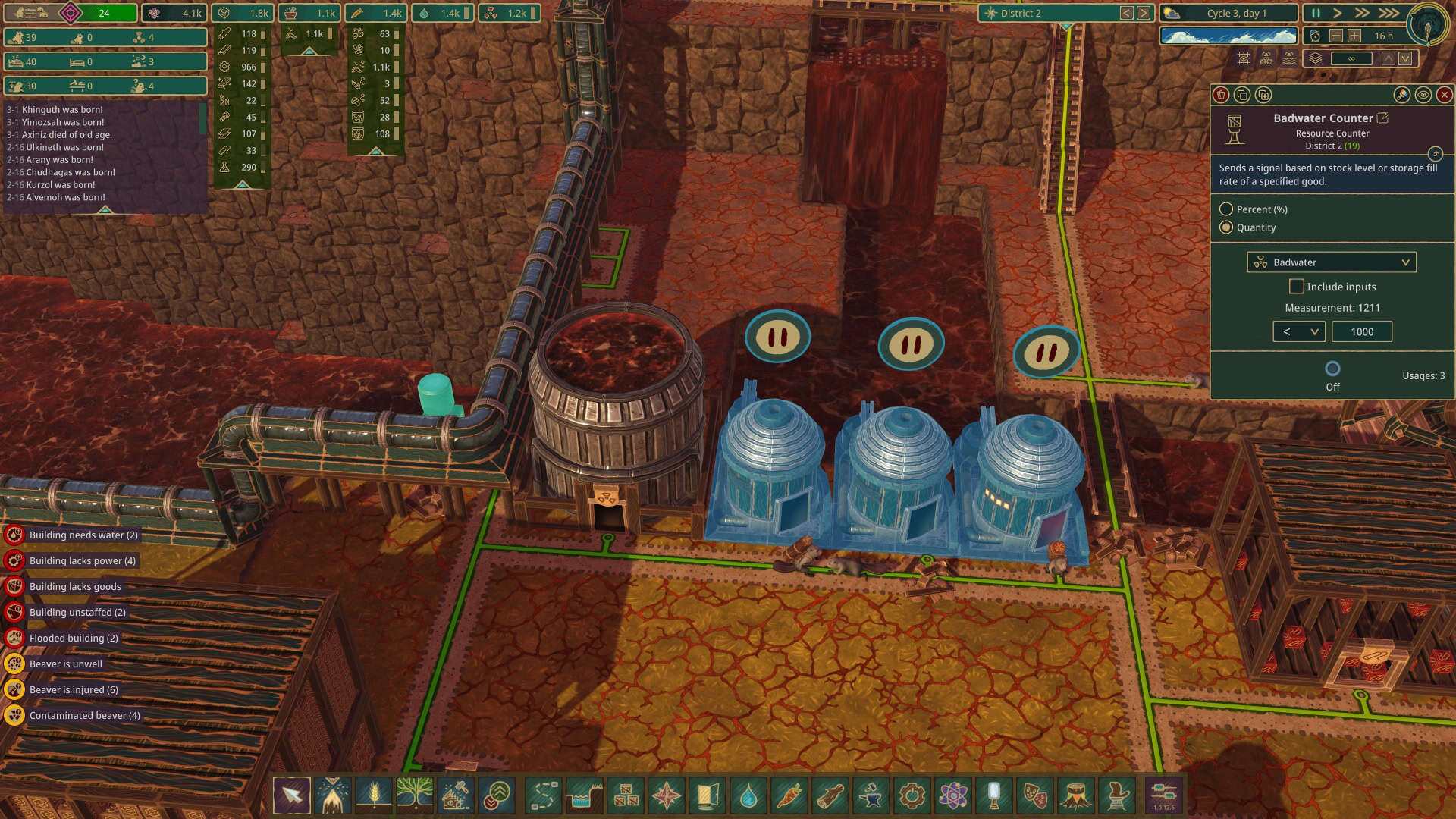
So, what to do with the automation tools? Well, for example, the weather stations can be used to detect Droughts and Badtides, controlling a series of floodgates to close and open to retain water in a reservoir during a Drought, but empty that reservoir down a different path during a Badtide to prevent contamination sources. For another example, you can use a resource counter set to turn on when logs are at 95% of their available storage and a NOR relay to turn off all loggers until the supply goes below that threshhold, and that same resource counter and an indicator renamed “Need more Log Storage” to flash a warning and add a log entry so you the player know what’s happened. In the end though, your playstyle and your colony’s needs will dictate what you find most useful for automation.
Don’t feel like you need to jump in and use all the automation devices immediately. Set up a sensor or two, a relay, and automate a few buildings. Experiment with the automation settings, feel free to change your inputs and relays, or revert to manual control if something isn’t working as you expect.
For more guides on Timberborn and other games, stay tuned to GameObserver!



 ObserverCrew Picks
 bserver
 bserver