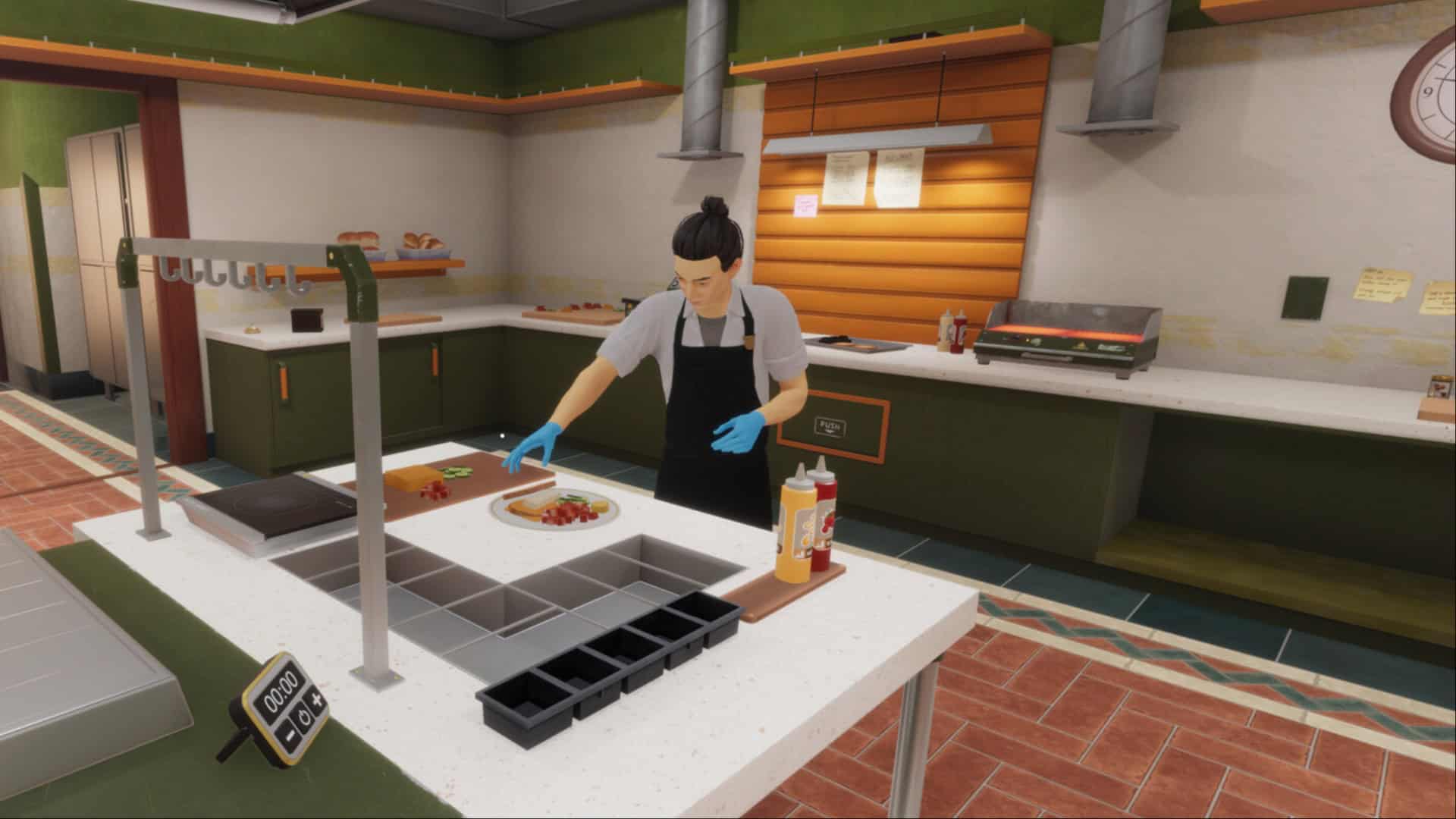
Cooking Simulator 2 is a restaurant-management game where you have to cook dishes and serve the customers, but it doesn’t stop at that, as it allows you to tweak recipes actively. You also have to manage the ingredients and the equipment inside the kitchen so that you can serve the customers to the best of your ability.
However, if you’re just starting the game, there are a few things that you should know. These beginner tips will bring you up to speed, and you won’t be making any big mistakes early on that can negatively impact your career run.
Don’t Order Too Many Ingredients
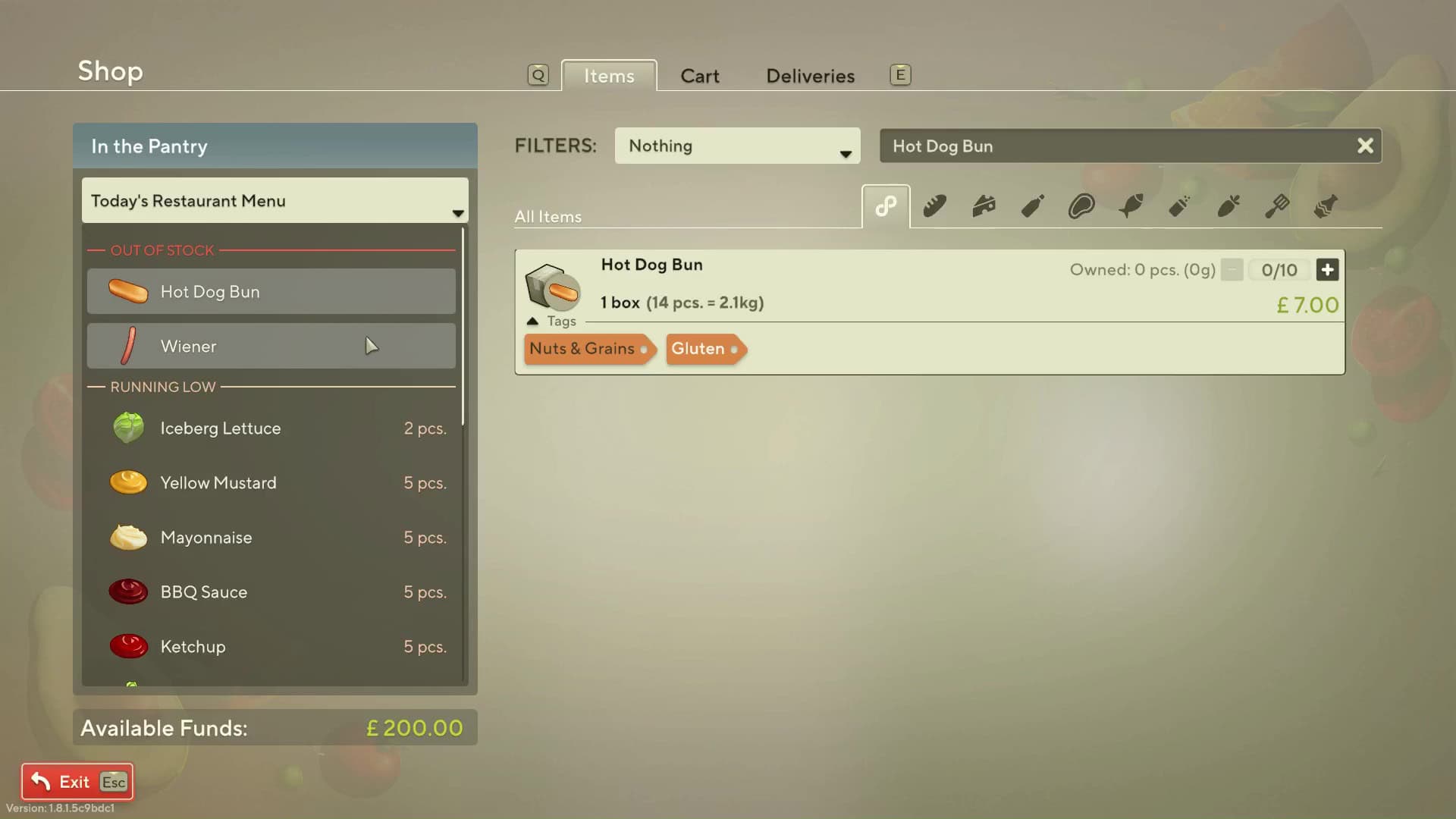
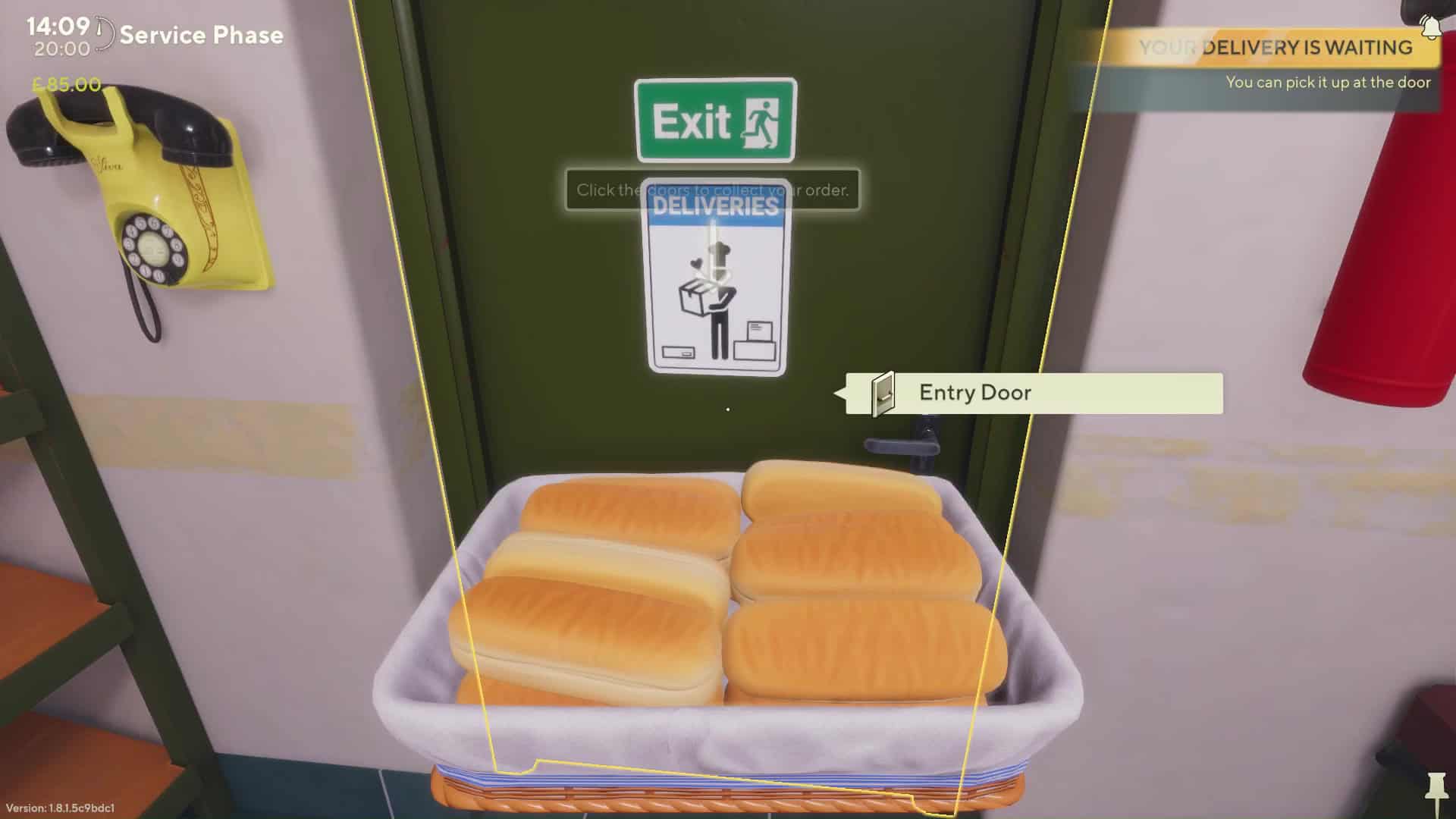
As you start a new run in career or sandbox mode, you’ll have plenty of ingredients in your restaurant. You’ll then have to decide on a menu. You can then interact with the phone on the wall. This will allow you to access the store. You’ll also be able to see any of the ingredients that you’re lacking, or the ones you’re running short on.
Now, when you order something, you only have to order one or two boxes of it at max. Don’t order five to ten of the same ingredient. That’s because you’re not ordering individual ingredients, but entire packs of them. Furthermore, you’ll have to store these ingredients in your inventory manually, and you wouldn’t want to fill the entire kitchen with one type of ingredient.
Don’t Forget To Unlock Skills And Perks
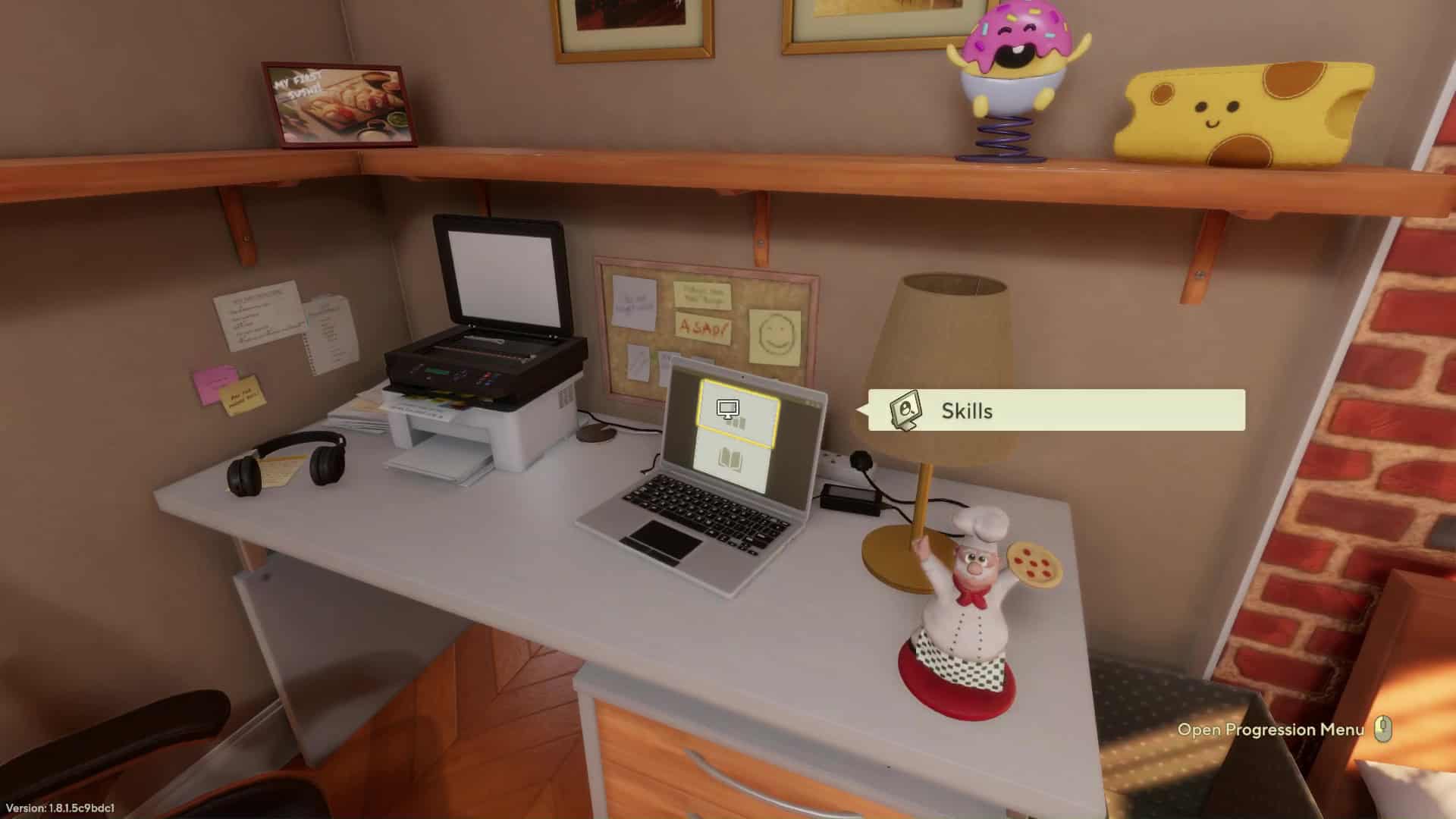
Once you’re at home after completing a day, or in the back kitchen, you can access the Skills option on the laptop. This will allow you to select perks and skills. Both perks and skill points can be obtained by progressing in the game.
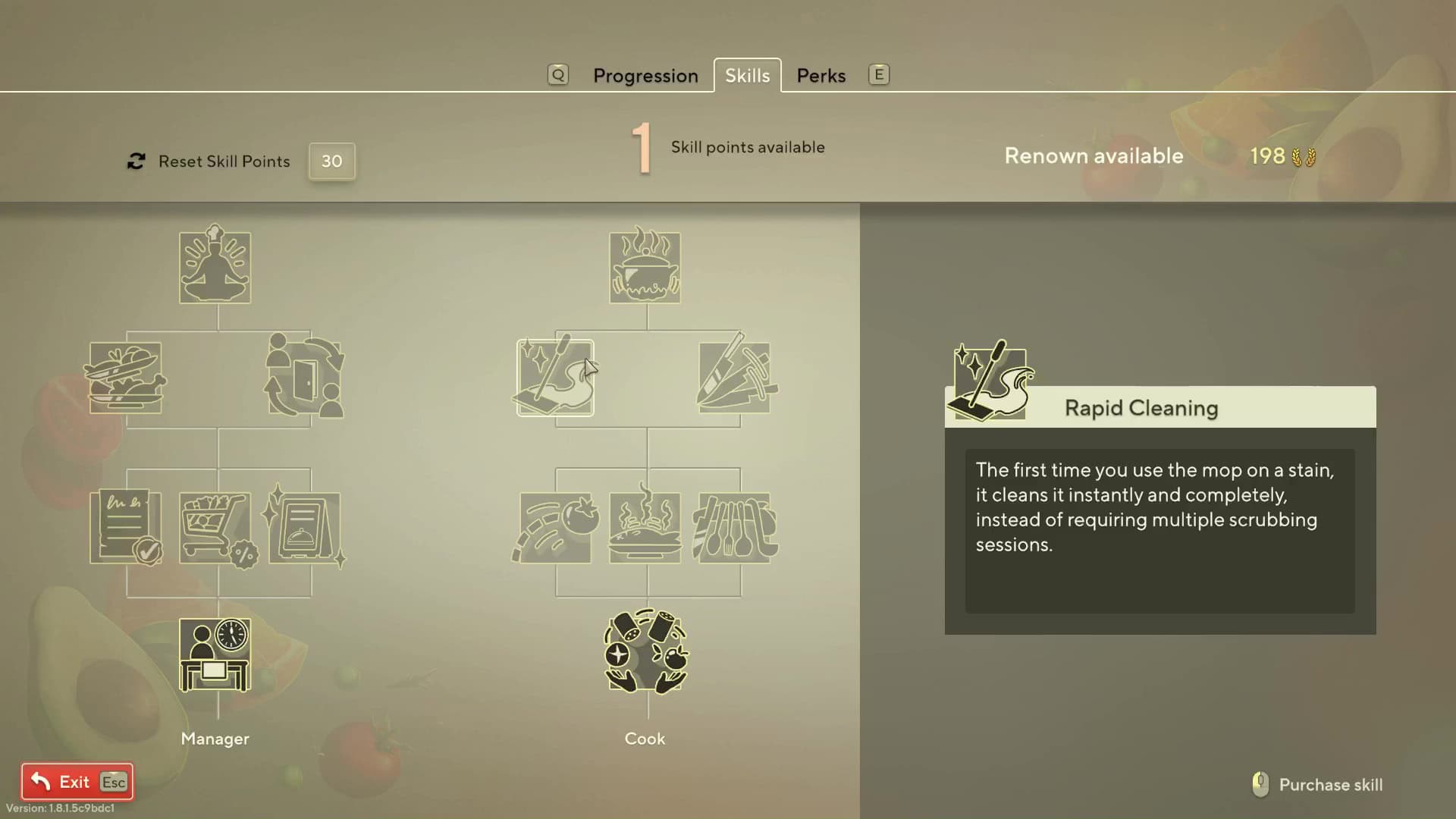
You can select up to five perks at max. Four of the perk slots are available from the start, while the fifth one can be unlocked through unlocking skill points. In the skill table, there are two trees. One skill tree enhances your management skills, while the other enhances your cooking skills.
If you’re just starting, picking the Kitchen Dance skill can make cooking much easier, as it allows you to select multiple ingredients at once to season them. The first skill in the management skill tree is the Customer Charm skill, which lets you calm down a waiting customer, which can give you more time to prepare their order.
Always Pin Orders Until You Learn The Recipe
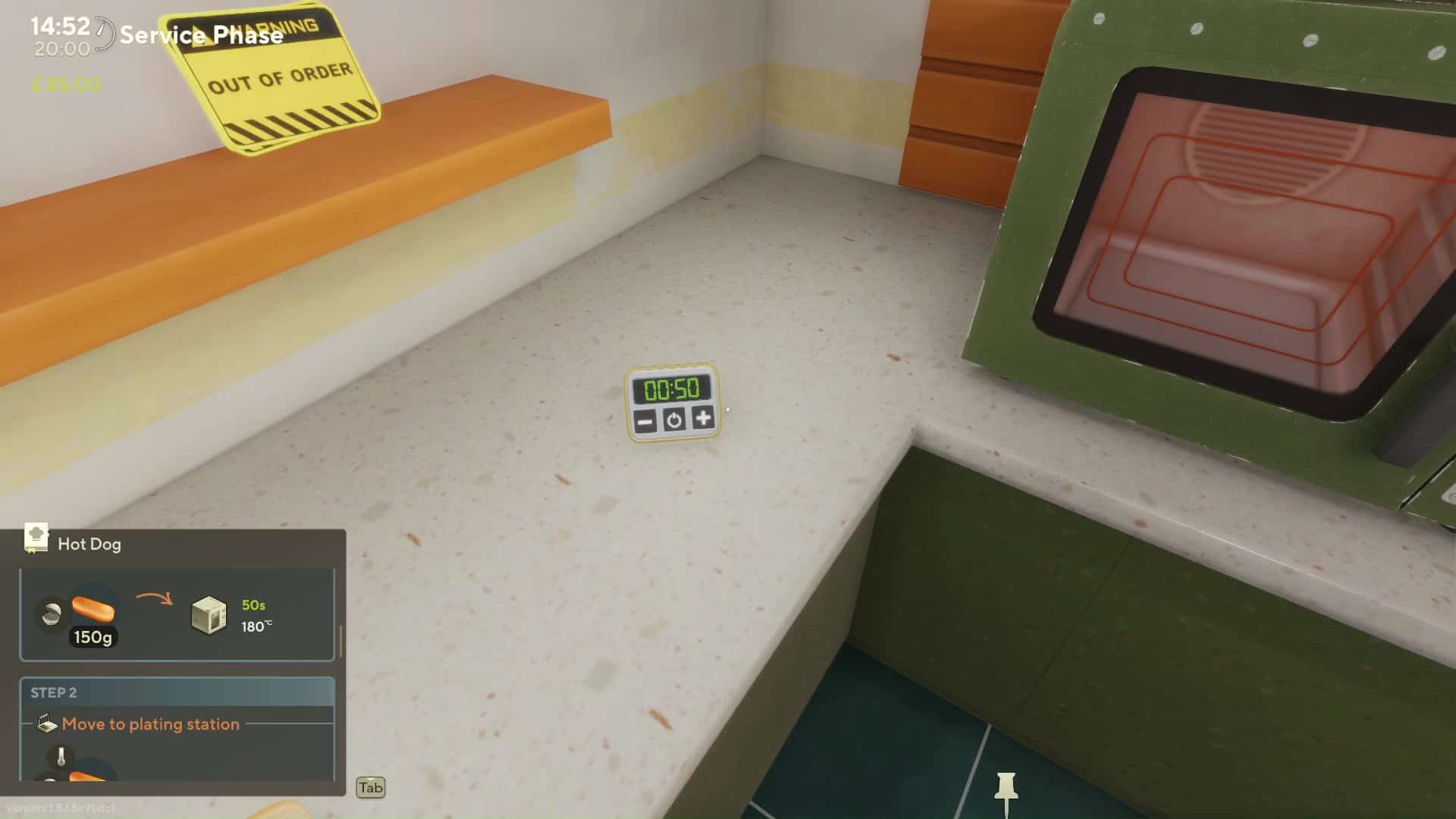
The recipes in Cooking Simulator 2 are complex, and it’s easy to forget a step. However, the game allows you to pin the recipes, so you can follow each step clearly until you’ve memorized them all.
Once you’ve received an order, you can head to the laptop in the back kitchen and open the order list. From here, click on the pin icon. After that, a window will open that will give you step-by-step instructions for each recipe.
Practice Recipes In The Home Kitchen
After completing a day of service at the restaurant, you’ll be able to return to your apartment. Here, you have the entire kitchen to yourself. The home kitchen doesn’t have any time restrictions, so you can freely prepare dishes.
You’ll find the blueprints book on the kitchen counter. Open it, and you’ll find a ton of recipes here. There’s a pin button to the right, and if you pin a recipe, you’ll be able to see the instructions as you cook the dish.
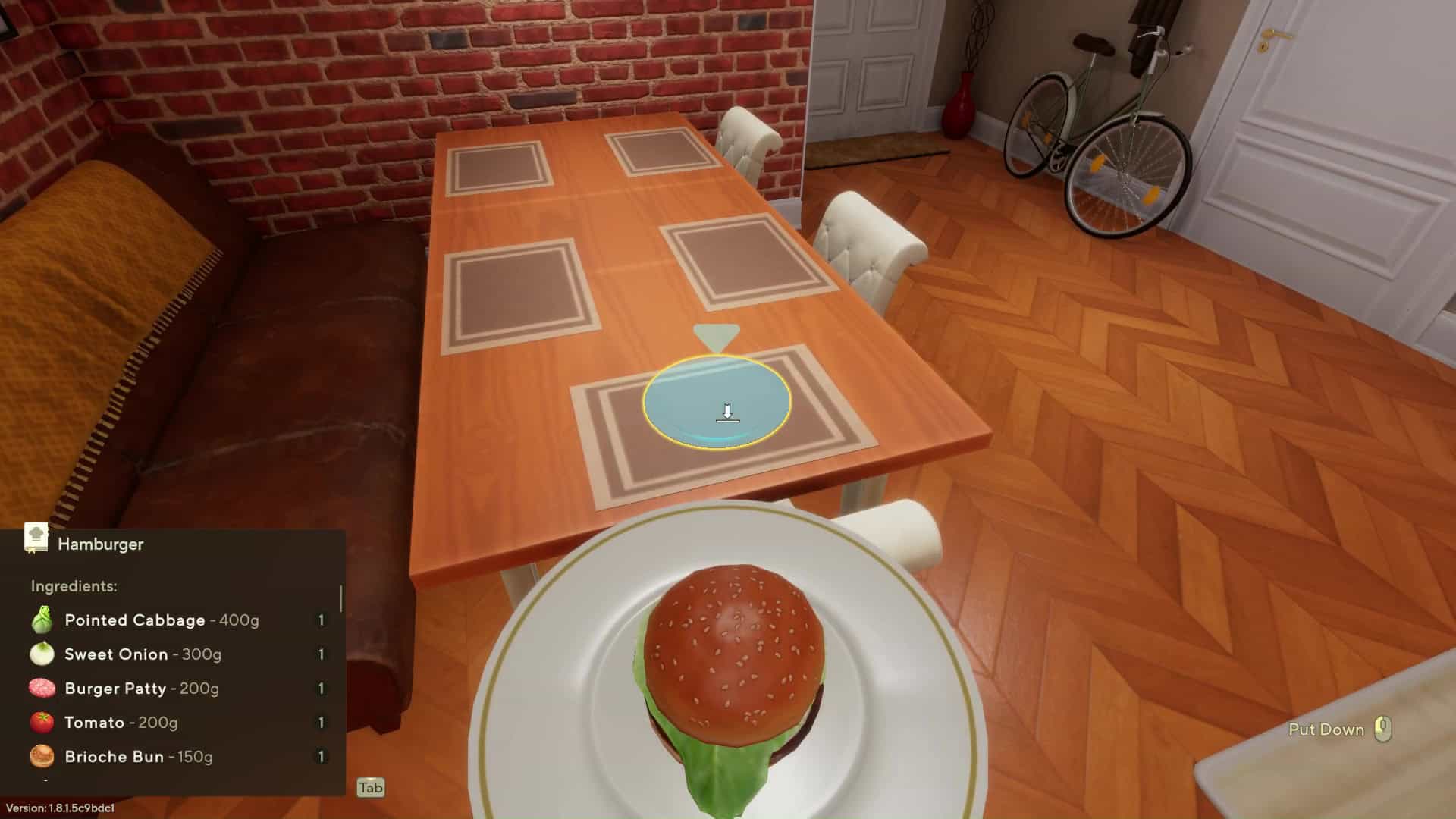
Once the dish has been prepared, you can head to the dinner table and have the meal by yourself. You’ll get a rating, just like you would at a restaurant, minus the monetary profit.
Don’t forget to check back at GameObserver for more guides and news for Cooking Simulator 2. You may also like our review of the game here.





 ObserverCrew Picks
 bserver
 bserver