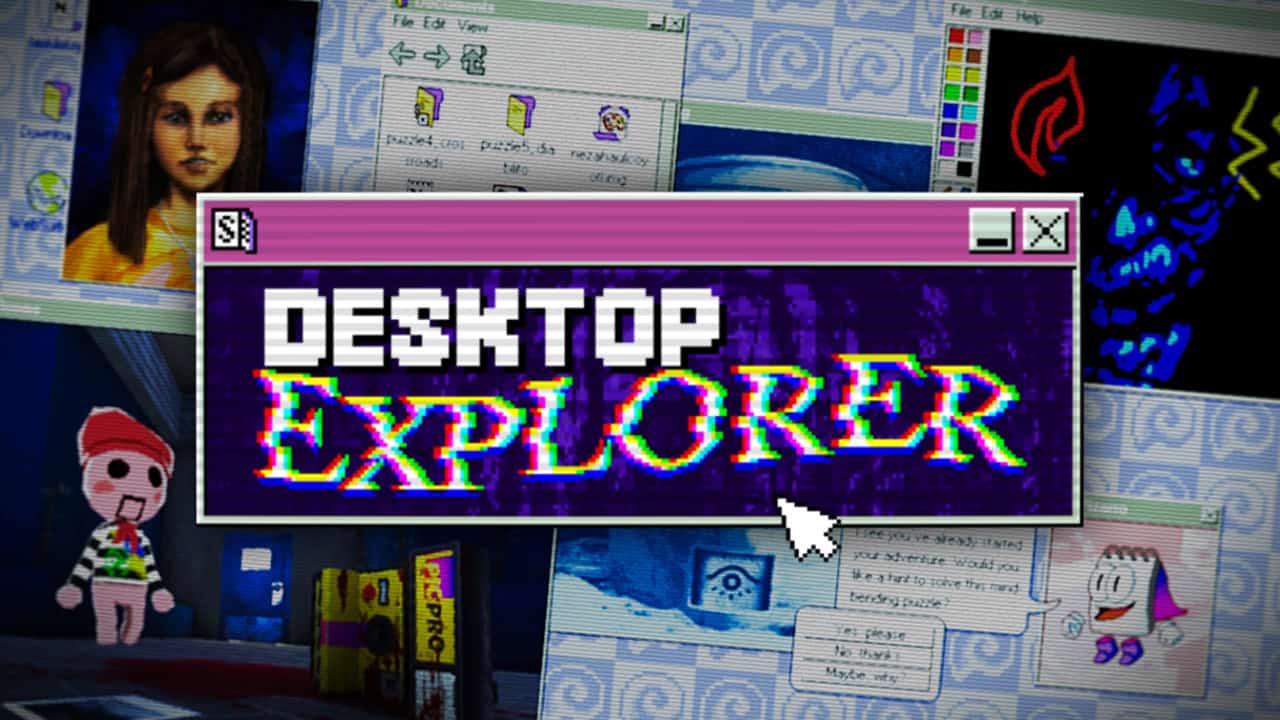
Your uncle, who raised you, is suffering from a disease affecting his memory, likely dementia, and his health is deteriorating quickly. He gives you his old PC. Upon booting it up, we discover that there are other user profiles on there as well as our uncle’s. While going through his documents, photos, and the checklist reminders he left himself during the advanced stages of the disease, we find a note addressed to us. The note points out a mysterious program on the PC called ‘Desktop Explorer’, and prompts us to install it. In doing so, we’ll find out more about our uncle’s condition and his secrets, the other user profiles and what happened to their owners, and maybe even investigate the disappearance of a missing person.
Recurring Dream’s Desktop Explorer is a horror puzzle game of the ‘Fake OS’ subgenre, meaning it’s designed to resemble a 90s operating system. The player can interact with it as if it’s their own PC, albeit a rather limited one, as it can’t access the internet besides some already loaded pages in the browser’s history and any previously visited URLs that you discover.
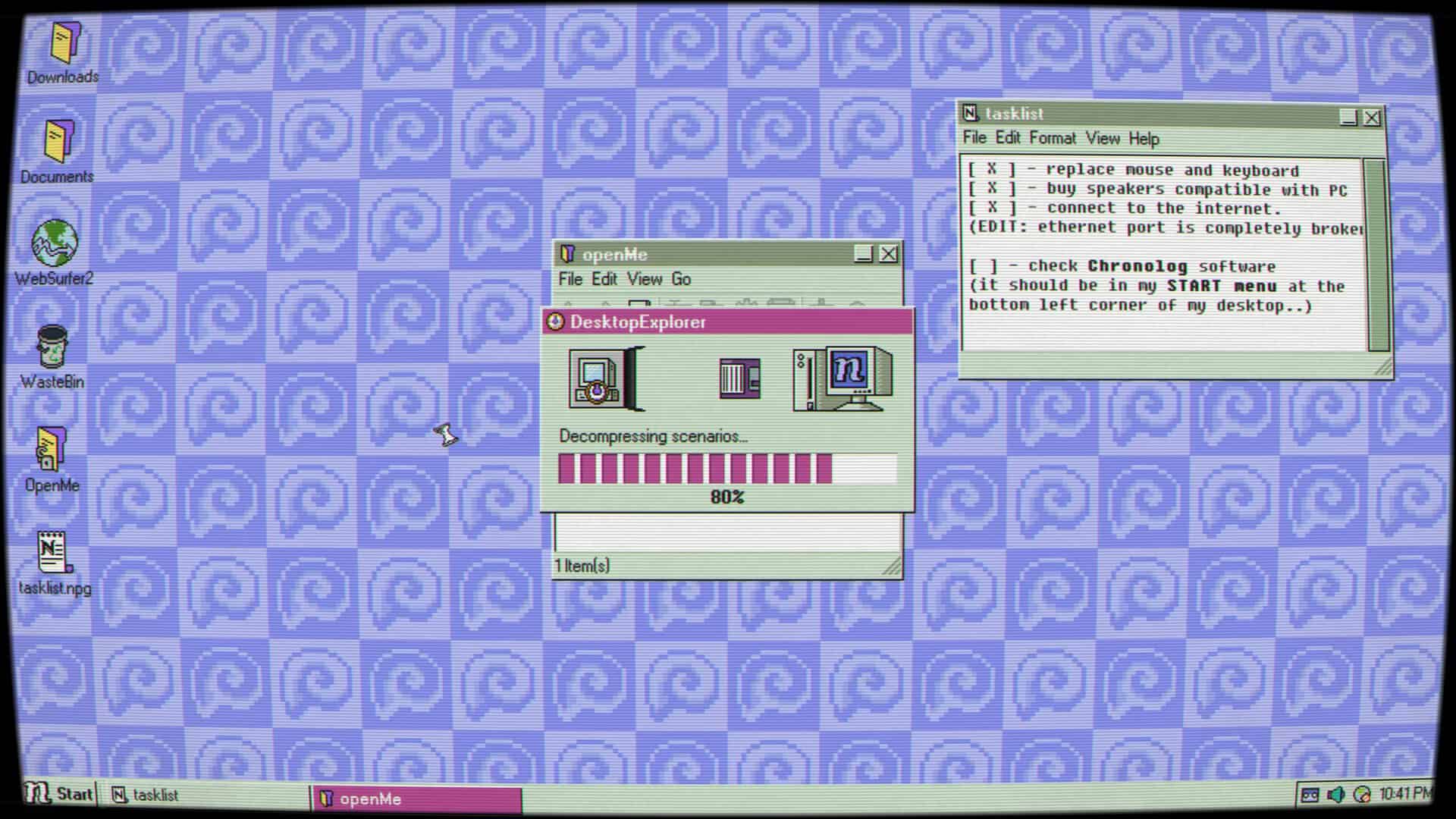
The in-game Desktop Explorer program is itself a file-based puzzle game, where each file includes a story chapter file on StoryTeller+, a story writing program, a locked file which will take you to the next location in the story and progress the game, and various notes and images to help you work out the next file’s password – some of them also contain diary entries. While the StoryTeller+ files, written in first person, take us through various ruins, solving puzzles to uncover treasures, they also reflect our uncle’s past and a traumatic event that happened to him.
Desktop Explorer really challenges players to think outside the box, or… er, the folder, literally. You’ll solve puzzles by testing the limits of this fake operating system; editing file codes, adjusting notepad windows to rearrange text and reveal hidden clues, and even playing around with file management and properties. The developers have done a fantastic job of entwining the operating system with its puzzle design, pushing the player to keep experimenting with the tools at their fingertips to see how they affect the in-game Desktop Explorer program.
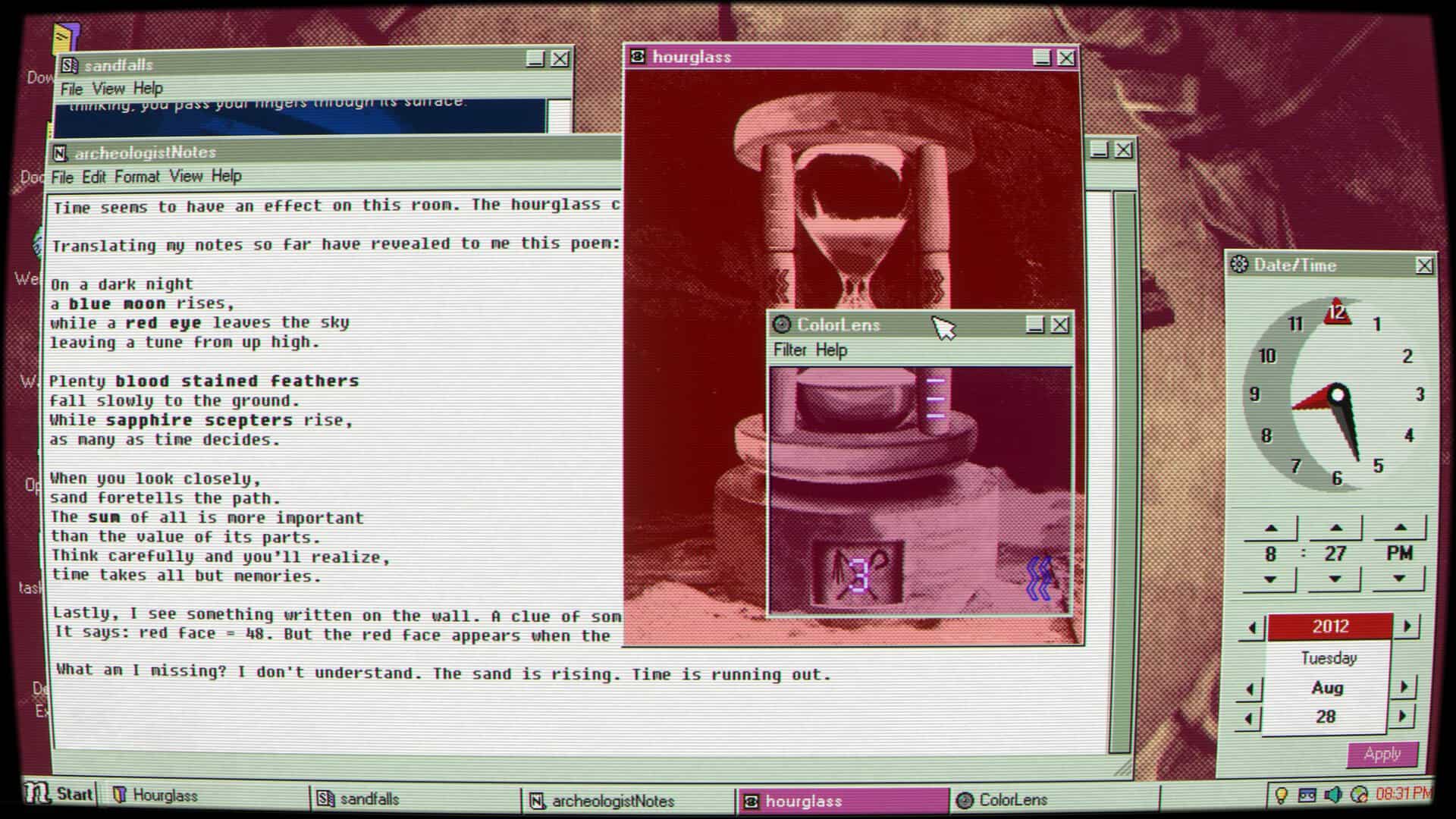
The program presents itself in different styles depending on the user profile, becoming a virtual chat room world in one instance and an old-school text adventure puzzle game in another. Not only does this keep the gameplay varied throughout its ten-hour play time, but it also does a good job of reflecting the personalities of the users before we’ve properly read into their diaries.
After the first few levels, Desktop Explorer grows challenging very quickly. That being said, all of the solutions are well thought out, and there was no point during my playthrough where I thought the answer was too far-fetched. The game doesn’t have a hint system, but the AI assistant, Pizzaro, reminiscent of Microsoft Office’s Clippy from the 1990s and early 2000s, offers system tips which will usually give you a good idea of what OS tool or area you should be looking at to solve your current puzzle. A more direct hint system would have been appreciated, but Desktop Explorer is also a game best played by taking a step back and coming back to it later if you’re stuck, and I very much enjoyed the creativity behind its puzzles.
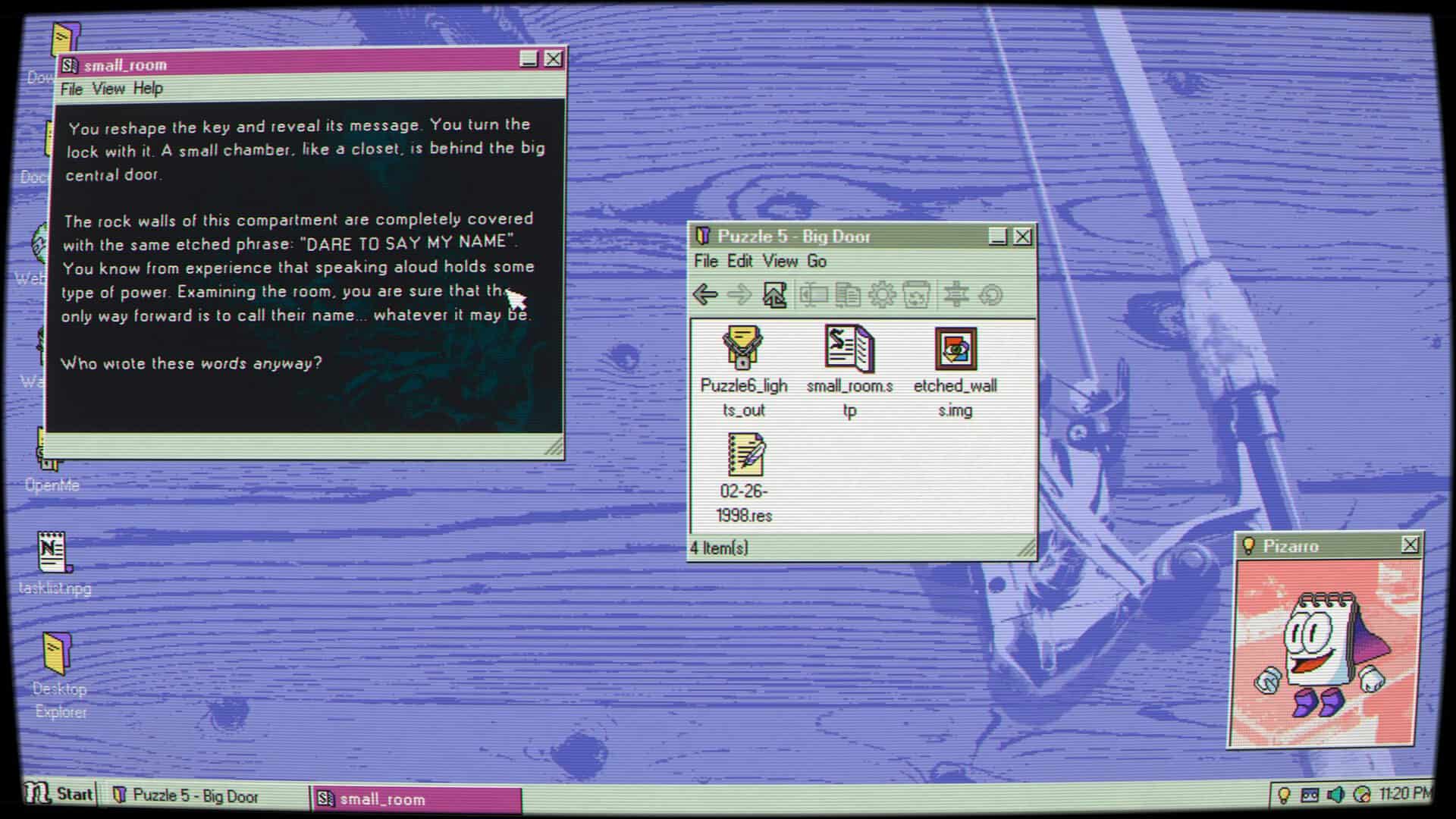
The developers have absolutely nailed the retro vibes for this operating system. The sound design and soundtrack by Jorge F. Contreras especially contribute to all of this, with each sound effect being original while also instilling nostalgia for a bygone era of technology. Every press of a button or action being performed by a program has a sound effect easily recognisable from this time period. Different programs and user profiles have their own soundtracks which are both reminiscent of retro games while also appropriately representing what you’re interacting with, whether that be a diary entry, a particularly unnerving StoryTeller+ file, or just generally browsing through a user profile. Contreras also composed the original songs by the in-game band, The Sweaters (a play on The Cardigans), and I genuinely enjoyed each of their songs, particularly one that unexpectedly starts playing through a certain puzzle segment, which really took me by surprise and made that particularly enjoyable puzzle even more memorable.
Similarly, the art design also captures the game’s overall tone perfectly. Each user profile desktop is themed for their personality while also maintaining the 90s PC look, fitted with a CRT monitor filter which can be turned off if preferred. The overall look of the operating system once again perfectly portrays the earlier Microsoft Windows versions.
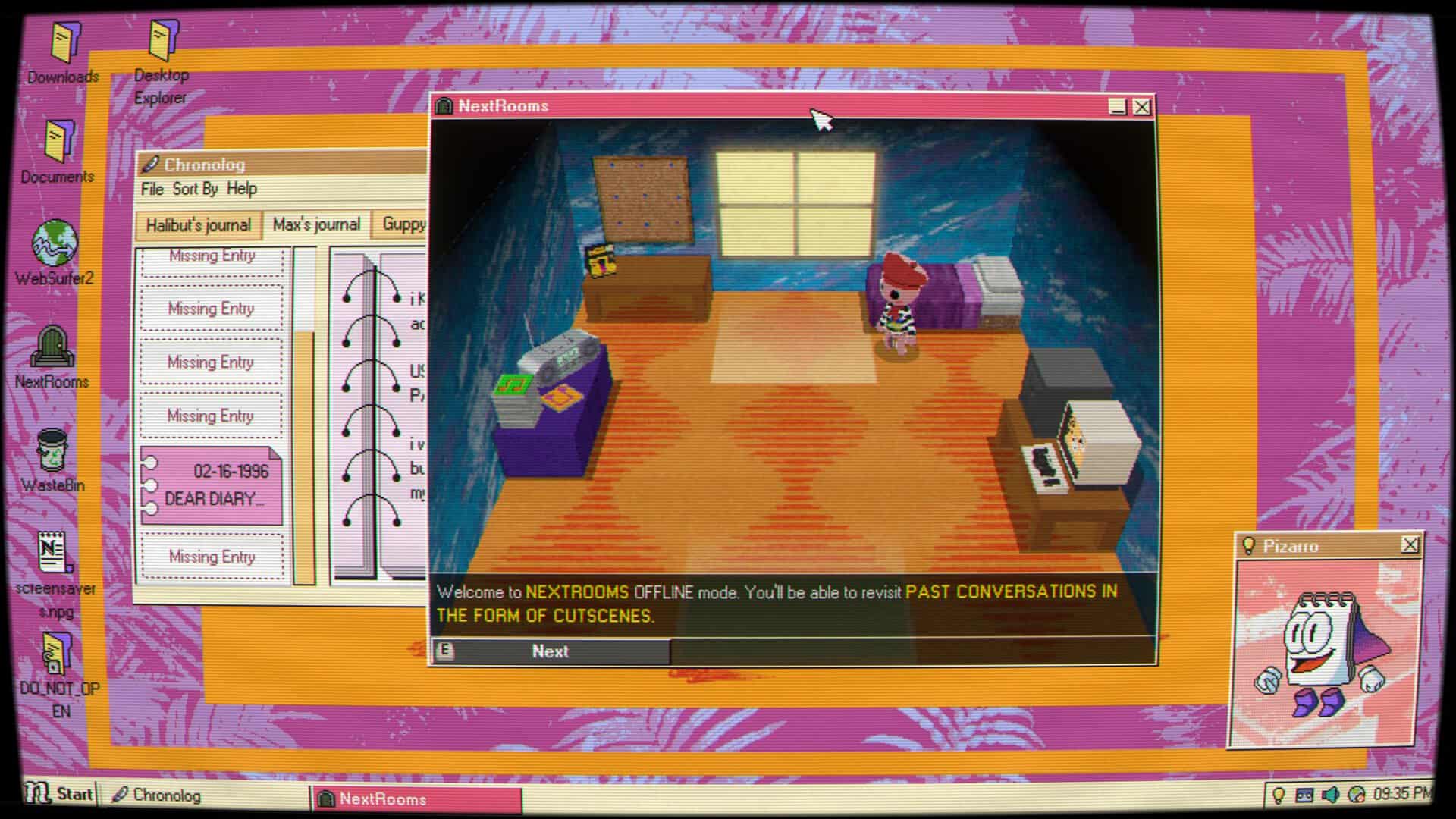
My only gripe with Desktop Explorer is that the storyline didn’t hit me as much as I thought it would. While it delves into some dark themes, I felt like the latter parts especially hinted towards something more significant than what actually unfolds, which resulted in the end reveal disappointing me somewhat. That being said, the story is still really intriguing, and I enjoyed the majority of it. There’s plenty of mystery hidden beneath Desktop Explorer’s folders, which piqued my curiosity enough to keep me going. It has plenty of touching moments, particularly reading the uncle’s diary entries as he succumbed further to his disease, and while it’s never truly scary, it does present enough creepiness to give the player an uncomfortable feeling while solving puzzles. There’s something about retro-style technology which I find unnerving, and Desktop Explorer does a fantastic job at tapping into this.
Desktop Explorer is a truly unique puzzle game, one that I thoroughly enjoyed playing. While for me its story didn’t hit as much as I thought it would, its overall gameplay and visual and audio design make this a superb fake OS game. In fact, it’s the first of which that I’ve played, and it definitely sold me on trying out more games within this genre in the future.
Jess reviewed Desktop Explorer on PC with a provided review code. This review is based on the version of the game that was available at the time of writing, and our score will not be changed.
- Score
- 8/10 EXCELLENT - GAMEOBSERVER RECOMMENDS
- Summary
-
Jess says: Desktop Explorer perfectly encapsulates the feeling of interacting with technology from a bygone era through its audio and visual design, while also delivering a challenging and creative puzzle game that truly challenges players to think outside the... folder.
- More
- GameObserver's Review Policy


 ObserverCrew Picks
 bserver
 bserver